![Flinn-Logo (1)-2.png]](https://help.flinncomply.com/hs-fs/hubfs/Flinn-Logo%20(1)-2.png?height=43&name=Flinn-Logo%20(1)-2.png)
Yes — you can sort and filter your results list in both the Safety Database module and the Literature module. Want to use AI filters? Head to the AI Screening guide.
Here are the different sorting and filtering options in the result list:
| Module | Safety Database | Literature |
|---|---|---|
| Sort alphabetically by |
Device Name |
Type |
| Device Type | Title | |
| Manufacturer | Author(s) | |
| Database | Database | |
| Event Type | ||
| Sort chronologically by | Publication Date | |
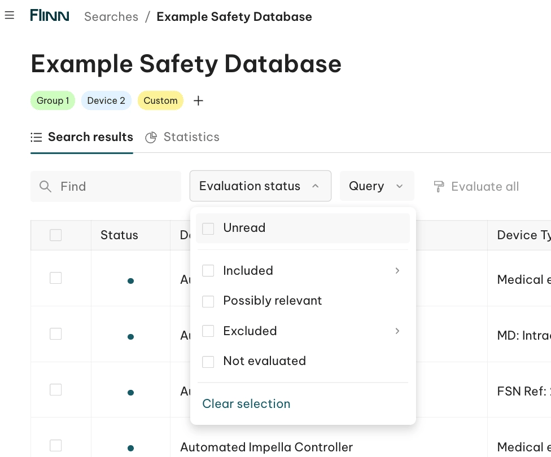
| Filter by | Evaluation status | Evaluation status (Screening / Full text) |
How can I sort results?
Simply click a column name (header) to sort by it.
Where can I find the evaluation filter?
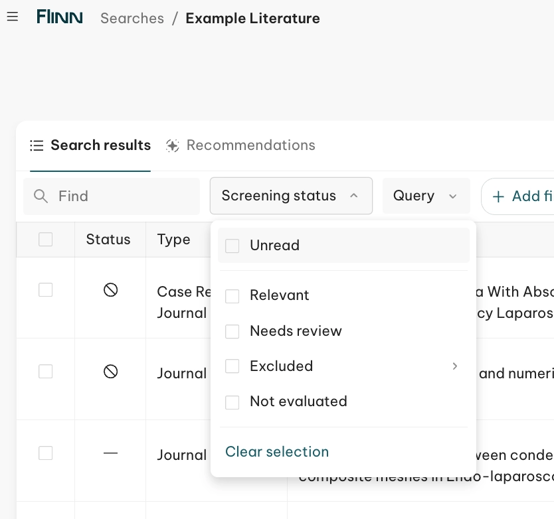
To filter the list, click the relevant status column name, then select the statuses you want to see. The list updates to show only the matching results.
👉 Safety Database Monitoring
Head to the result list:
👉 Literature Evaluation
Find a filter at each step: Screening and full-text evaluation.
See the example below for the screening stage: